See active jobs
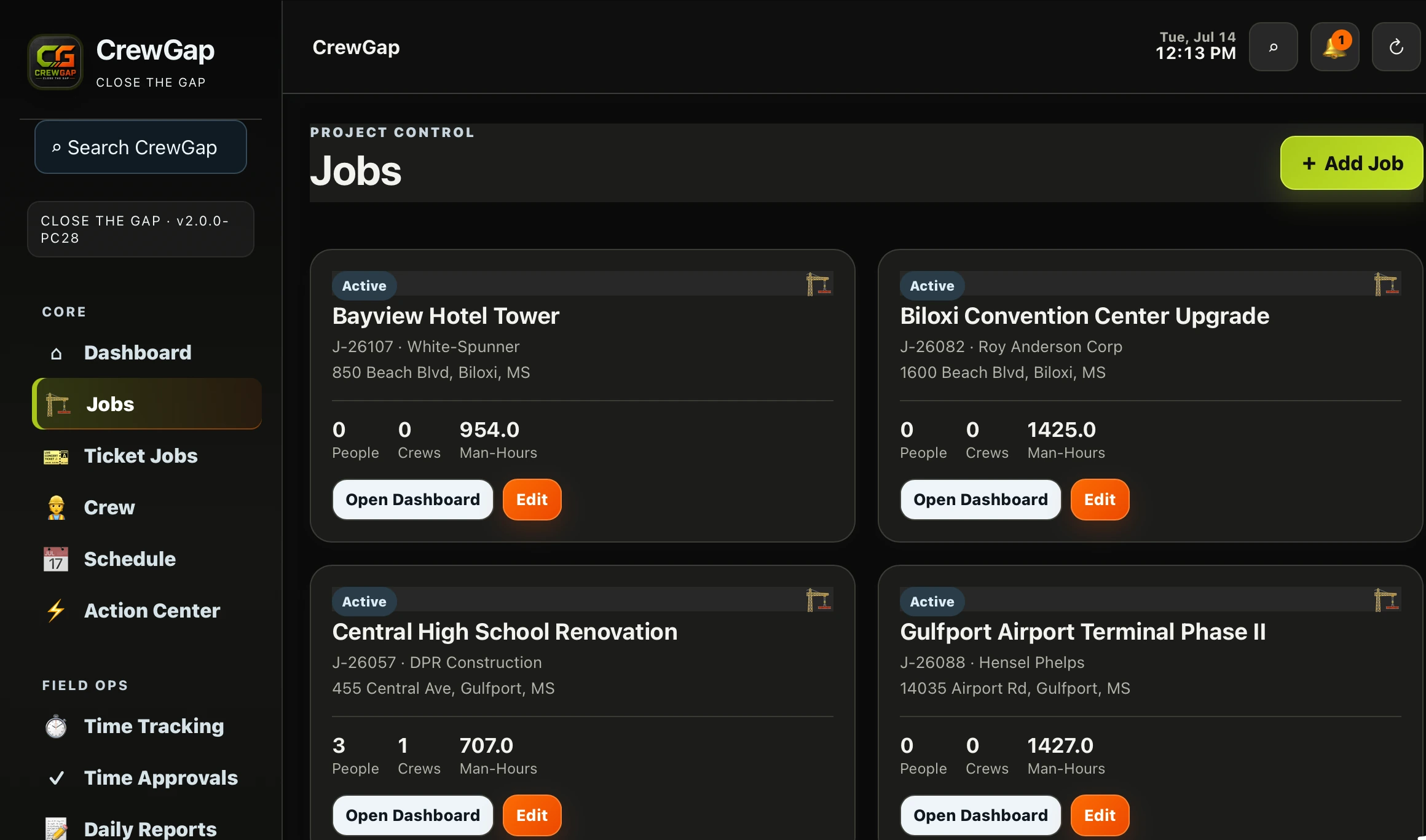
Review current projects without searching across separate tools.
 CrewGapCLOSE THE GAP
Construction Job Control
Give operations leaders a central view of active projects, manpower, crew counts, man-hours and day-to-day activity.
 REAL CREWGAP INTERFACE
STRAIGHT ANSWER
BUILT FOR DAILY OPERATIONS
Review current projects without searching across separate tools.
Keep crew counts, people and labor visible with the work.
Review labor by category and identify where work may be moving ahead or falling behind.
HOW IT WORKS
Add the operational information your team needs.
Keep people and man-hours tied to active work.
Use one view to understand current status.
CONNECTED CAPABILITIES
Keep employee records, roles and assignments connected.
Learn more →Move field hours through approvals toward payroll.
Learn more →Preserve field activity as a usable job record.
Learn more →COMMON QUESTIONS
CrewGap focuses on construction operations: jobs, crews, time, daily reporting, fleet and related workflows. Confirm any required project-management capability during a demo.
Yes. CrewGap can monitor job labor by category.
Yes. CrewGap provides views of active jobs, crew counts, people and man-hours.
CLOSE THE GAP