Capture field hours
Keep time connected to the people and work it represents.
 CrewGapCLOSE THE GAP
Construction Time Tracking
Capture hours, review pending entries and exceptions, and organize labor information before the pay period closes.
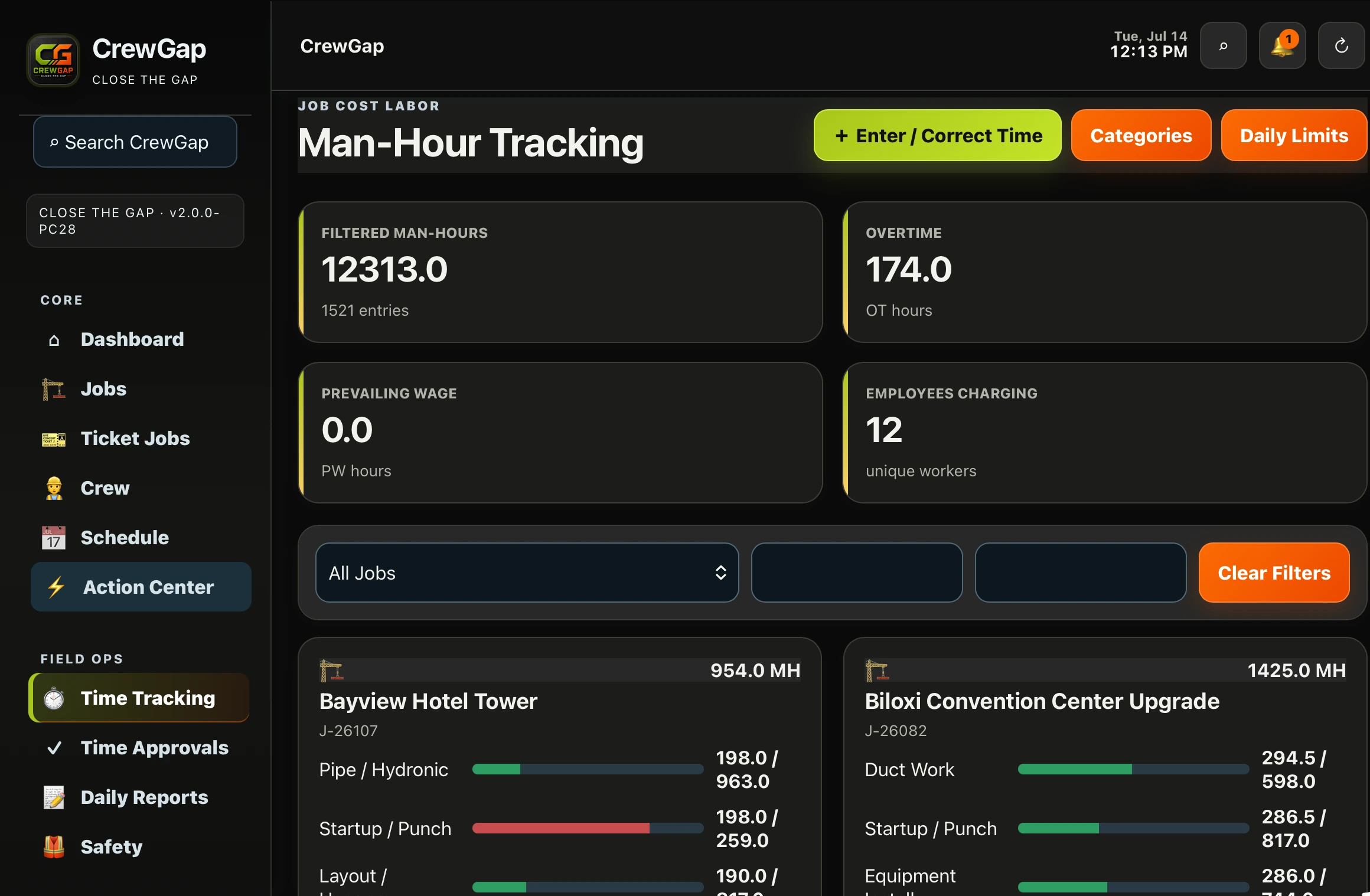 REAL CREWGAP INTERFACE
STRAIGHT ANSWER
BUILT FOR DAILY OPERATIONS
Keep time connected to the people and work it represents.
Give authorized users a place to review pending entries and exceptions.
Organize payroll-ready information before the period closes.
HOW IT WORKS
Field hours enter the connected CrewGap workflow.
Authorized users address pending items and exceptions.
Use organized totals with the existing payroll provider.
CONNECTED CAPABILITIES
Keep employee records, roles and assignments connected.
Learn more →Move field hours through approvals toward payroll.
Learn more →Preserve field activity as a usable job record.
Learn more →COMMON QUESTIONS
No. CrewGap organizes time and approval information for your existing payroll process.
Yes. The payroll workflow shows totals, pending entries and exceptions.
CrewGap supports man-hour monitoring by job and labor category. Confirm reporting details during a demo.
CLOSE THE GAP